Mondly
Teaching 41 languages from the one you already speak
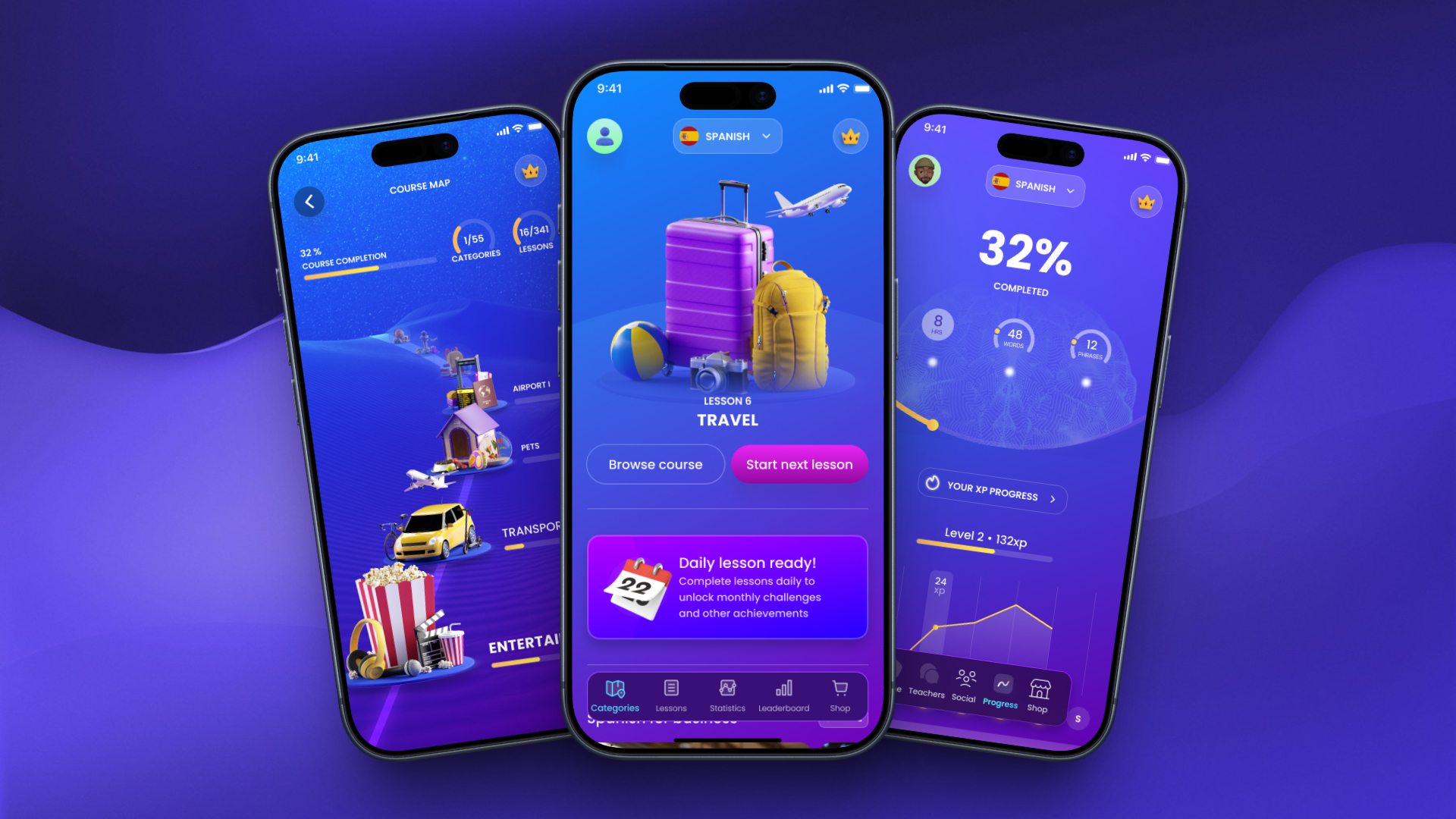
Mondly teaches 41 languages from your own - more than a thousand language pairs, rather than the handful most apps offer from English. It is a Pearson product with millions of learners, Editors’ Choice on Google Play and Best New App on the App Store. I led product design across mobile and web.
A language app is judged twice: on whether people come back, and on whether they actually learn. Those two pull against each other, and most of the design decisions here are about where the line sits - how much reward, how much correction, how much a screen may celebrate before it stops being honest about how far somebody has got.
So the product is built around a course you can see the shape of, feedback that names the mistake rather than softening it, and progress measured in words and phrases learned as well as in points.
- End-to-end product design across mobile and web
- The way in - language pairing, level, interests and the first lesson
- The lesson system, its exercise types and its feedback grammar
- The course map, and how a 341-lesson syllabus is made legible
- Progress, achievements and the leaderboards around them
- Contributions to the design system the platform is drawn from
The first question is the product
Most language apps teach from English. Mondly teaches from your own language - over a thousand pairs - and that is the single most valuable thing about it, so the way in asks for both halves before anything else happens.
Two fields, one sentence: I speak, I want to learn. The list behind them leads with the most-learned languages rather than an alphabet, because the answer is usually near the top and scrolling to Afrikaans is not a first impression.
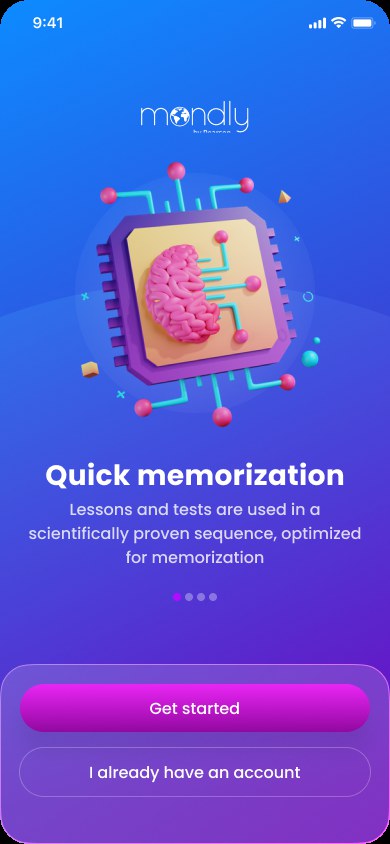
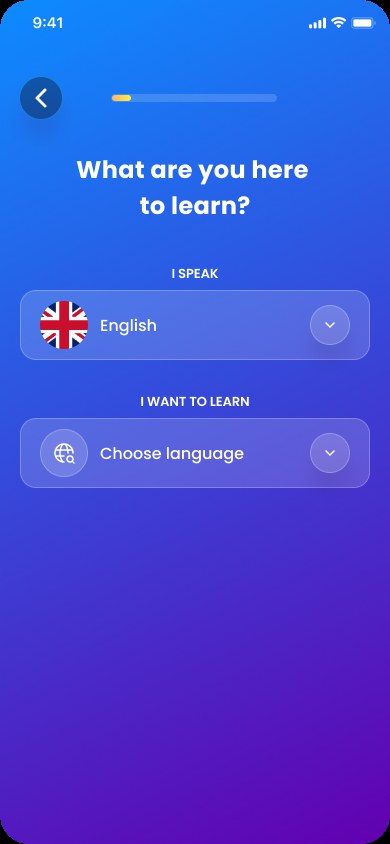
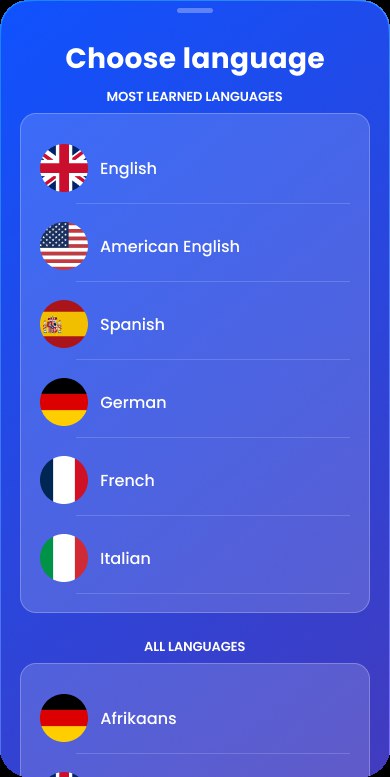
It asks before it teaches
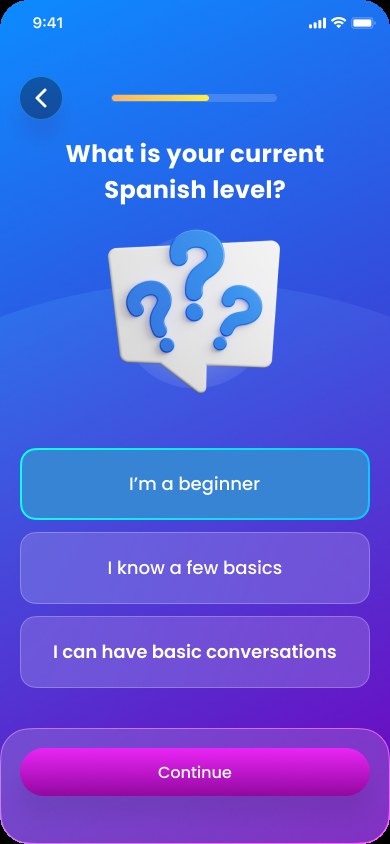
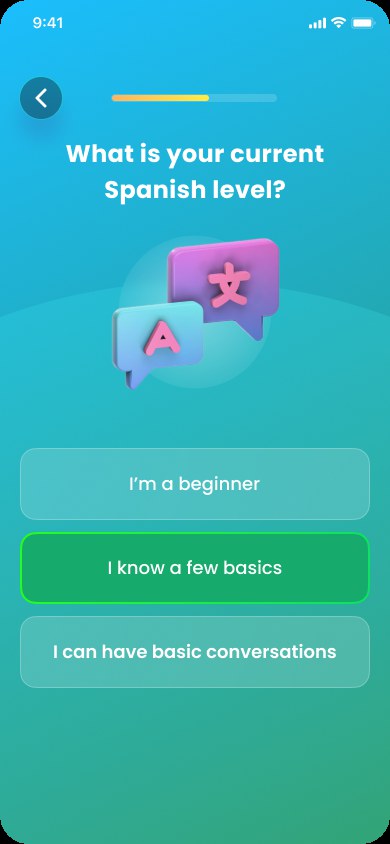
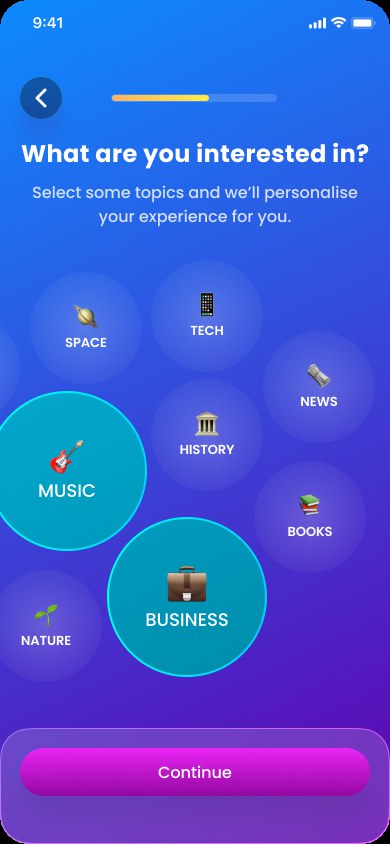
Level and interests are collected before the first lesson, because a course that opens at the wrong difficulty loses somebody in a minute and never gets them back.
The level question answers itself in the user’s own words - “I know a few basics”, “I can have basic conversations” - rather than asking for a CEFR band nobody outside teaching knows. Interests are a field of bubbles you tap rather than a checklist you work through; the ones you pick grow and the rest fall away, so choosing feels like the reward it is meant to be.
A course you can see the shape of
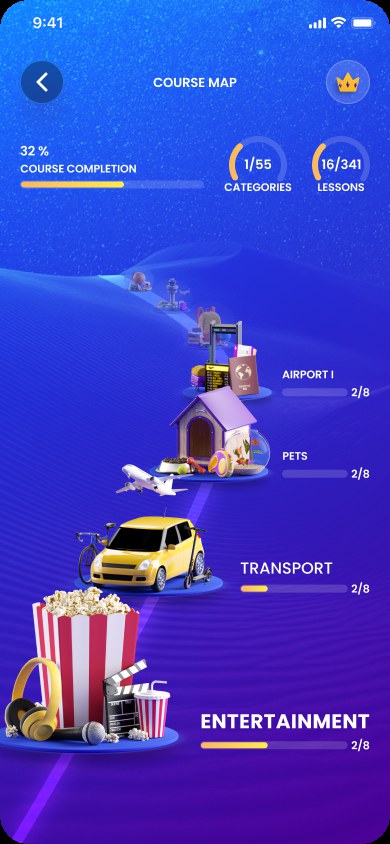
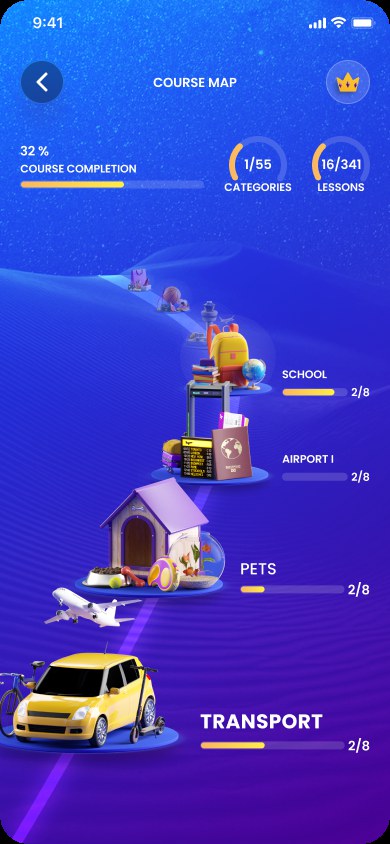
Three hundred and forty-one lessons is a number that flattens people. The course map turns it into a road: a path of built scenes - transport, pets, the airport, school - that you travel along, with completion stated at the top as a percentage, a category count and a lesson count.
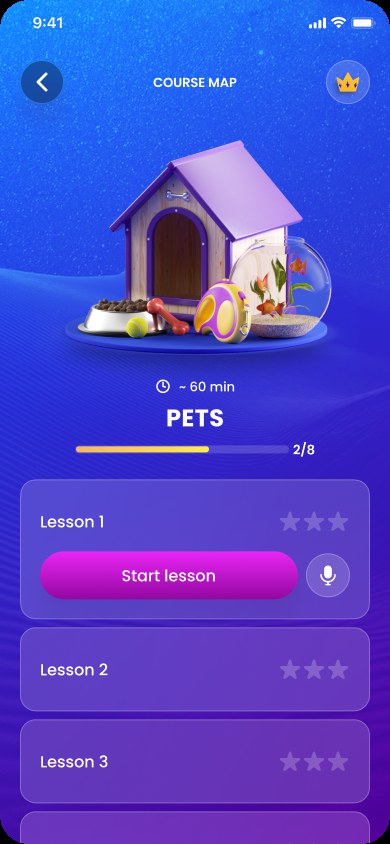
Each stop opens into its own lessons, with stars for how well each was passed and a microphone beside the button, because speaking is a way into the lesson rather than a mode buried inside it.
Right and wrong, said in the language you are learning
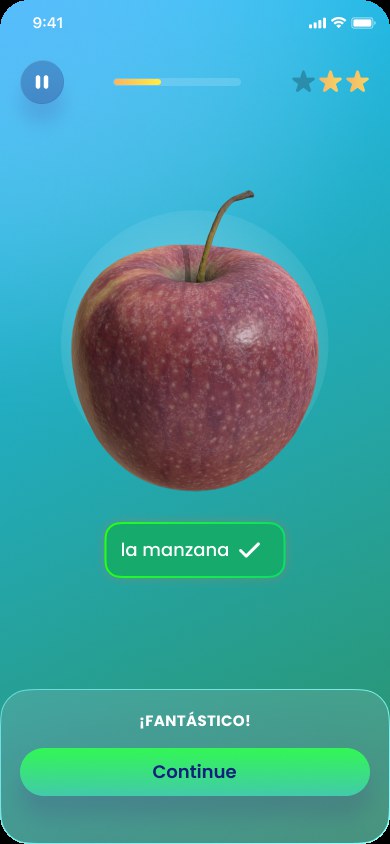
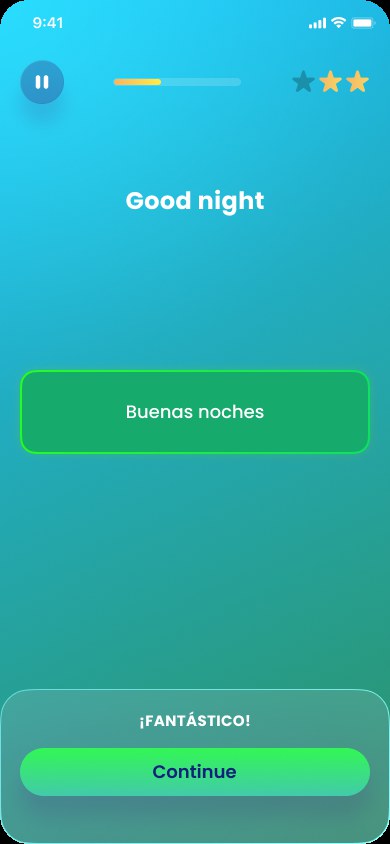
The feedback is the lesson. A correct answer takes the whole screen green and says “¡Fantástico!” - praise in Spanish, to somebody learning Spanish, which is a free repetition every time it happens.
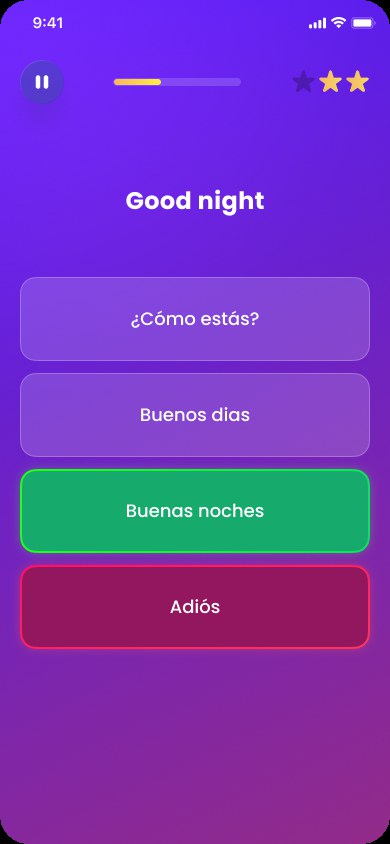
A wrong answer does not hide what happened. The screen turns, the correct answer appears above the one that was chosen, and both stay on screen together. Softening that would cost the only moment in the lesson where somebody is guaranteed to be paying attention.
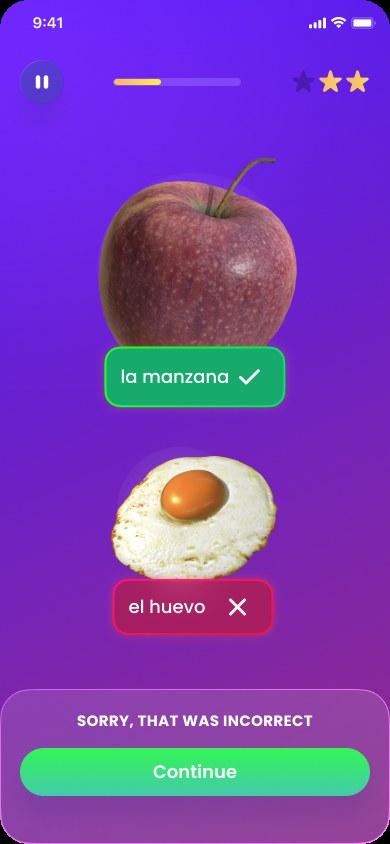
One grammar of feedback, whatever the exercise
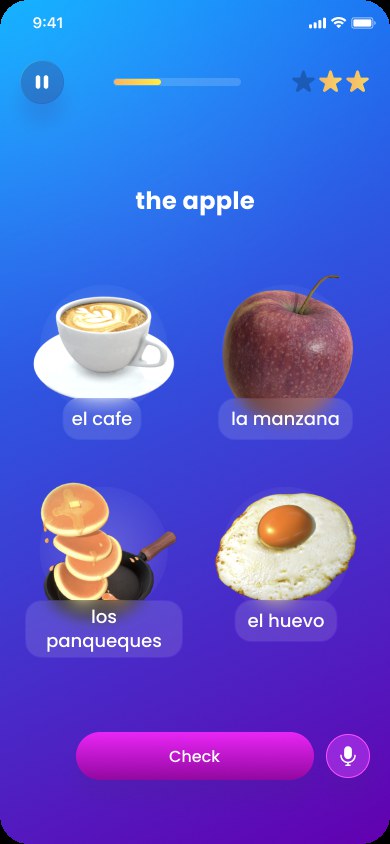
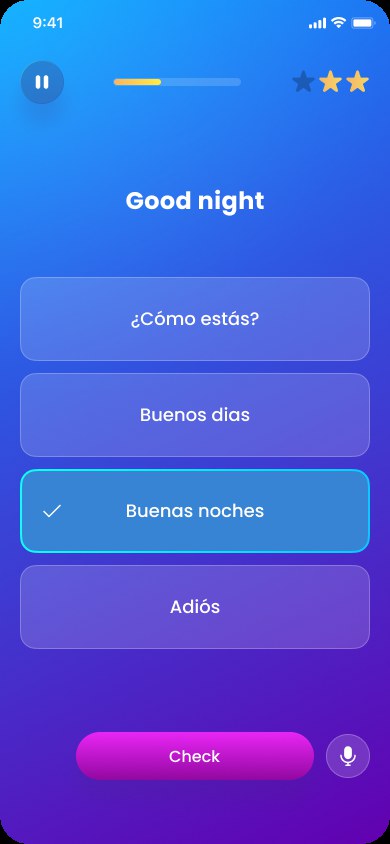
Exercise types change - pictures, words, listening, speaking - but the three states never do: chosen, right, wrong with the answer shown. Holding that constant is what lets a learner stop reading the interface after the first lesson and start reading the language.
Home is the hub, not the lesson
Home does not open on a lesson. It opens on the one you are in the middle of, and then on everything else Mondly is: the daily lesson, live classes with real teachers and their attendance, language for a job rather than a holiday, and chatbot conversations to practise speaking without another person in the room. A learner who only ever sees lessons never finds out the rest exists.

Progress worth comparing
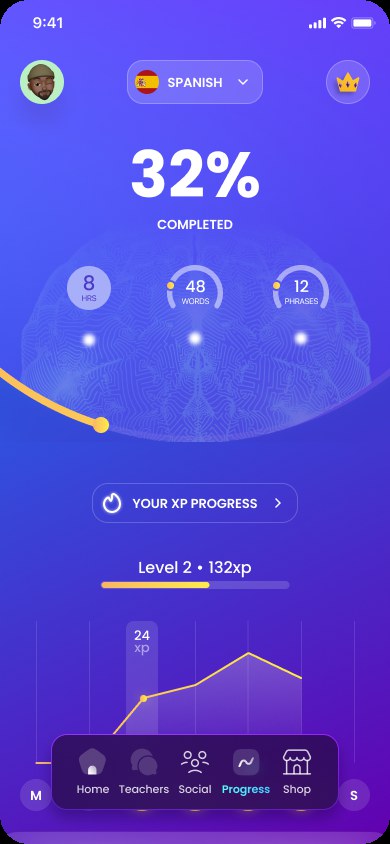
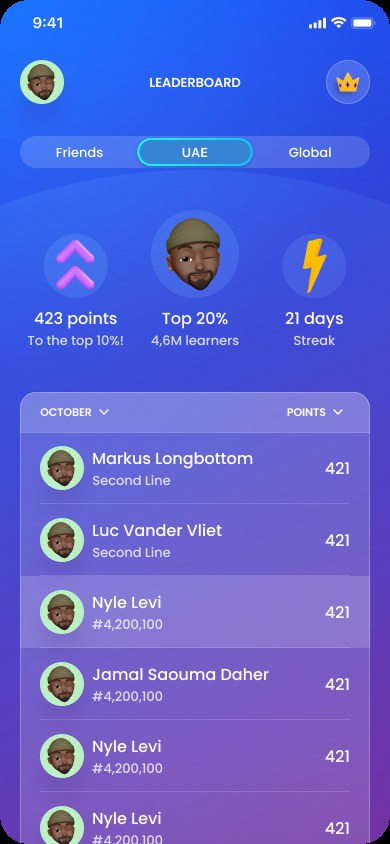
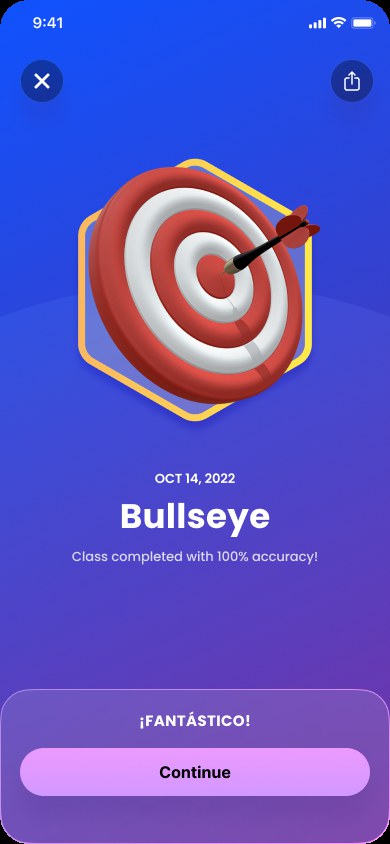
Points on their own say very little. Progress is stated in hours, words and phrases as well as XP, so a number means something outside the app. The leaderboard is scoped to friends, a country and the world, and says where you sit against 4.6 million learners rather than only who is above you. Achievements name the thing that was actually done - a class completed at 100% accuracy - rather than handing out a badge for opening the app.